
Availability check
Razer Synapse 5 Download: Is It Available?
There is no verifiable official Razer Synapse 5 download path in our October 18, 2026 check. Razer's current official branch is Synapse 4, so use the verified Synapse 4 installer instead of a mirror that labels an unknown file as Synapse 5.
This page separates search demand from release evidence. The name Razer Synapse 5 appears in keyword data, but Razer's product and support pages show Synapse 4, and the guessed official Synapse 5 product path returned 404. That is a reason to verify, not a reason to download a random EXE.
Latest official Windows builds
Razer Synapse 5 availability rechecked October 18, 2026
We rechecked Razer’s official product, support, and Windows release pages on October 18, 2026. The latest public Windows build remains Synapse 4.0.86.2610120714 with Chroma 4.0.63.2610020954. We found no official Synapse 5 product page, support record, release note, version number, or installer in the sources checked. This is a dated finding about public first-party sources, not a claim about unannounced development.
Razer’s official Windows release notes dated October 14, 2026 list Synapse 4.0.86.2610120714 and Chroma 4.0.63.2610020954 and include a device-detection fix. This is the latest public Windows build record verified on October 18. The stable Razer CDN installer returned HTTP 200, application/x-msdownload, and 14,923,464 bytes on that date; no checksum was verified. Razer lists Windows 11 x86-64 and Windows 10. Full Synapse 4 support on Windows 10 ends October 14, 2026; security-only bug fixes continue through October 12, 2027.
Verified fallback
What to Use Instead: Razer Synapse 4
For a new Windows setup, Razer Synapse 4 is the sensible verified path. Razer's product page lists Windows 11 x86-64 and Windows 10 support, while its support article describes the current installation flow and the Profile Migration tool. This does not make Synapse 4 a Synapse 5 download; it gives you the supported branch that can actually be checked today.
The official installer endpoint verified on October 18, 2026 was https://dl.razerzone.com/drivers/Synapse4/RazerSynapseInstaller.exe. A HEAD request returned HTTP 200, the MIME type application/x-msdownload, and 14,923,464 bytes. The file has no temporary session token in the URL. The CTA above uses this real official file URL and labels it as a Synapse 4 fallback so the destination is not ambiguous.
Razer does not expose a reliable public semantic build number on the product page used for this check. That means a responsible page can say current official branch, supported operating system, checked date, file type, and file size, but should not invent a version such as 5.0 or repeat an unverified number from a third-party download listing.
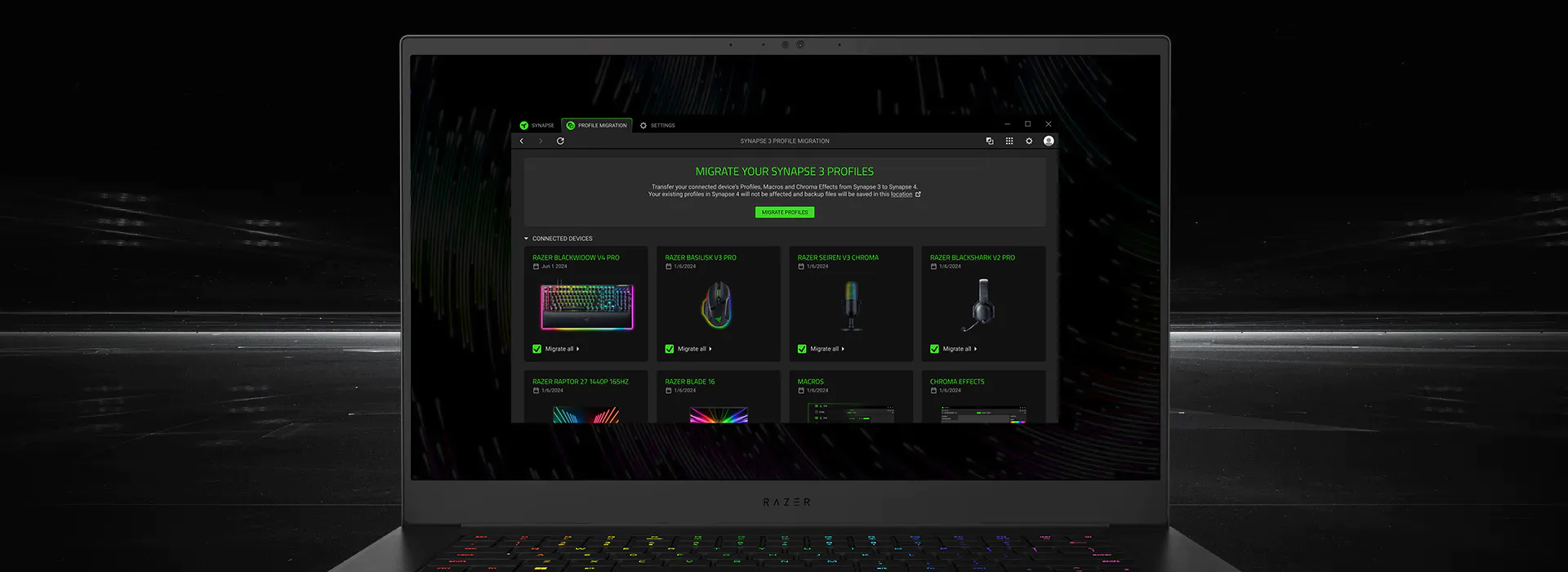
Before installing, decide whether you are replacing a working Synapse 3 setup or configuring a new device. Razer says Synapse 3 and Synapse 4 should not run concurrently because configuration conflicts are possible, and the Synapse 4 installation can remove Synapse 3. If profiles or macros matter, review the migration guidance before clicking through.
Match the platform
Confirm that your PC is Windows 10 64-bit or Windows 11 64-bit before opening the installer.
Use one official path
Keep the final host on dl.razerzone.com or a Razer page; do not mix a mirror with the official installer.
Protect important settings
Note the profiles, macros, DPI stages, and lighting scenes you rely on before switching branches.
Check the result
After installation, let modules load and confirm that one device page opens before judging the setup.
Legacy search results
When Synapse 3 Still Appears in Search
Some Razer Synapse 5 searches are mixed with older version queries because people are trying to escape a broken install or find a familiar configuration workflow. Razer's Synapse 3 FAQ lists V1.22.0.737 and says Synapse 3 cloud services ended on February 3, 2026. That makes Synapse 3 a legacy decision, not evidence that Synapse 5 has shipped.
If a device or an existing local profile still depends on Synapse 3, read the legacy guide and the Synapse 3 vs 4 comparison first. Razer's own support material says Synapse 4 is the official replacement and provides a Profile Migration tool for eligible settings. The migration route is a more useful answer than downloading an old file from an unknown host.
The distinction matters for troubleshooting. A missing mouse, a stuck installer, a profile import problem, and a question about a future version are different jobs. Use the page that matches the failed layer instead of downloading another branch. This keeps the current Synapse 5 question focused and keeps legacy advice on the pages that already explain it.
Your situation
Use this path
Why
New Windows setup
Synapse 4 download
It is the current verified branch
Existing Synapse 3 profiles
Legacy guide and migration notes
Protect settings before changing branches
App opens but a device is missing
Device detection guide
The problem may be hardware, USB, or module state
You saw a Synapse 5 download claim
This availability check
Verify the source before opening any file
Download hygiene
How to Check a Razer Synapse Download Safely
A trustworthy Razer Synapse download decision has two separate tests: does the page match the version you need, and does the final file come from a source that can be verified? Passing only one test is not enough. A real Razer name on a mirror is still a mirror; an official page for the wrong branch is still the wrong download.
Start with the official product or support page, then inspect the final link before opening it. The verified Windows Synapse 4 file used for this guide has an official Razer CDN host, an EXE content type, and a stable path. Those facts do not prove that every future file is unchanged, but they are stronger evidence than a download counter, a shortened URL, or a file-hosting page.
Keep the check proportional. You do not need to search for a secret Synapse 5 installer just because a keyword tool reports the phrase. If Razer publishes a new branch later, the product page, support documentation, and release evidence should become the first places to confirm it. Until then, a verified Synapse 4 route is safer than a speculative package.
Read the branch
Check whether the page says Synapse 4, Synapse 3, Mac Preview, or something else before following a download button.
Check the final host
Prefer razer.com, mysupport.razer.com, or a stable Razer CDN destination; leave hidden redirects and file mirrors.
Do not disable protection
A request to turn off antivirus, SmartScreen, or browser warnings is a stop signal, not an installation step.
Use the matching guide
For update, uninstall, device detection, or profile migration problems, follow the focused guide instead of changing versions blindly.
Latest official Windows builds
Razer Synapse 5 availability rechecked October 18, 2026
We rechecked Razer’s official product, support, and Windows release pages on October 18, 2026. The latest public Windows build remains Synapse 4.0.86.2610120714 with Chroma 4.0.63.2610020954. We found no official Synapse 5 product page, support record, release note, version number, or installer in the sources checked. This is a dated finding about public first-party sources, not a claim about unannounced development.
Razer’s official Windows release notes dated October 14, 2026 list Synapse 4.0.86.2610120714 and Chroma 4.0.63.2610020954 and include a device-detection fix. This is the latest public Windows build record verified on October 18. The stable Razer CDN installer returned HTTP 200, application/x-msdownload, and 14,923,464 bytes on that date; no checksum was verified. Razer lists Windows 11 x86-64 and Windows 10. Full Synapse 4 support on Windows 10 ends October 14, 2026; security-only bug fixes continue through October 12, 2027.
Sources checked
Razer Sources Behind This Answer
These first-party pages and the verified file endpoint support the current branch, compatibility, migration, and download facts in this guide.
Razer Synapse & Chroma for Windows — October 14, 2026 release notes
Official release record: Synapse 4.0.86.2610120714, Chroma 4.0.63.2610020954, and a device-detection fix.
Razer Synapse 4 Support & FAQs
Official installation, update, migration, supported operating systems, and FAQ context.
Razer Synapse 3 Support and FAQs
Official V1.22.0.737 and February 3, 2026 cloud-service status for legacy users.
Razer Synapse & Chroma for Windows — October 14, 2026 release notes
Razer CDN installer verified HTTP 200, application/x-msdownload, 14,923,464 bytes on October 18, 2026.
Razer Synapse & Chroma for Windows — October 14, 2026 release notes
Official release record: Synapse 4.0.86.2610120714, Chroma 4.0.63.2610020954, and a device-detection fix.
FAQ
Razer Synapse 5 Download FAQ
Can I download Razer Synapse 5?
We rechecked Razer’s official product, support, and Windows release pages on October 18, 2026. The latest public Windows build remains Synapse 4.0.86.2610120714 with Chroma 4.0.63.2610020954. We found no official Synapse 5 product page, support record, release note, version number, or installer in the sources checked. This is a dated finding about public first-party sources, not a claim about unannounced development.
What is the latest Razer Synapse version?
As checked October 18, 2026, Razer’s latest public Windows notes list Synapse 4.0.86.2610120714 and Chroma 4.0.63.2610020954 in the October 1 release. They include a device-detection fix. Use Razer’s official product page and installer for downloads.
Where is the official Razer Synapse 4 download?
Razer’s official Windows release notes dated October 14, 2026 list Synapse 4.0.86.2610120714 and Chroma 4.0.63.2610020954 and include a device-detection fix. This is the latest public Windows build record verified on October 18. The stable Razer CDN installer returned HTTP 200, application/x-msdownload, and 14,923,464 bytes on that date; no checksum was verified. Razer lists Windows 11 x86-64 and Windows 10. Full Synapse 4 support on Windows 10 ends October 14, 2026; security-only bug fixes continue through October 12, 2027.
Is Razer Synapse 5 the same as Synapse 4?
No verified release evidence connects the names. Razer's product and support pages checked for this guide describe Synapse 4. Treat a Synapse 5 claim as unverified until an official Razer source supports it.
Should I install Synapse 3 while waiting for Synapse 5?
Usually no. Synapse 3 is a legacy branch; Razer lists V1.22.0.737 and says its cloud services ended on February 3, 2026. Use Synapse 3 only when a device or existing workflow has a clear legacy reason, and review migration notes first.
Why does a Razer Synapse 5 search show download pages?
Search demand can exist before an official release, and third-party pages can repeat a product name. Confirm the official domain, support documentation, final file type, and release evidence before opening any installer.