
Mac Preview guide
Razer Synapse Mac Download: 5 Checks Before Install
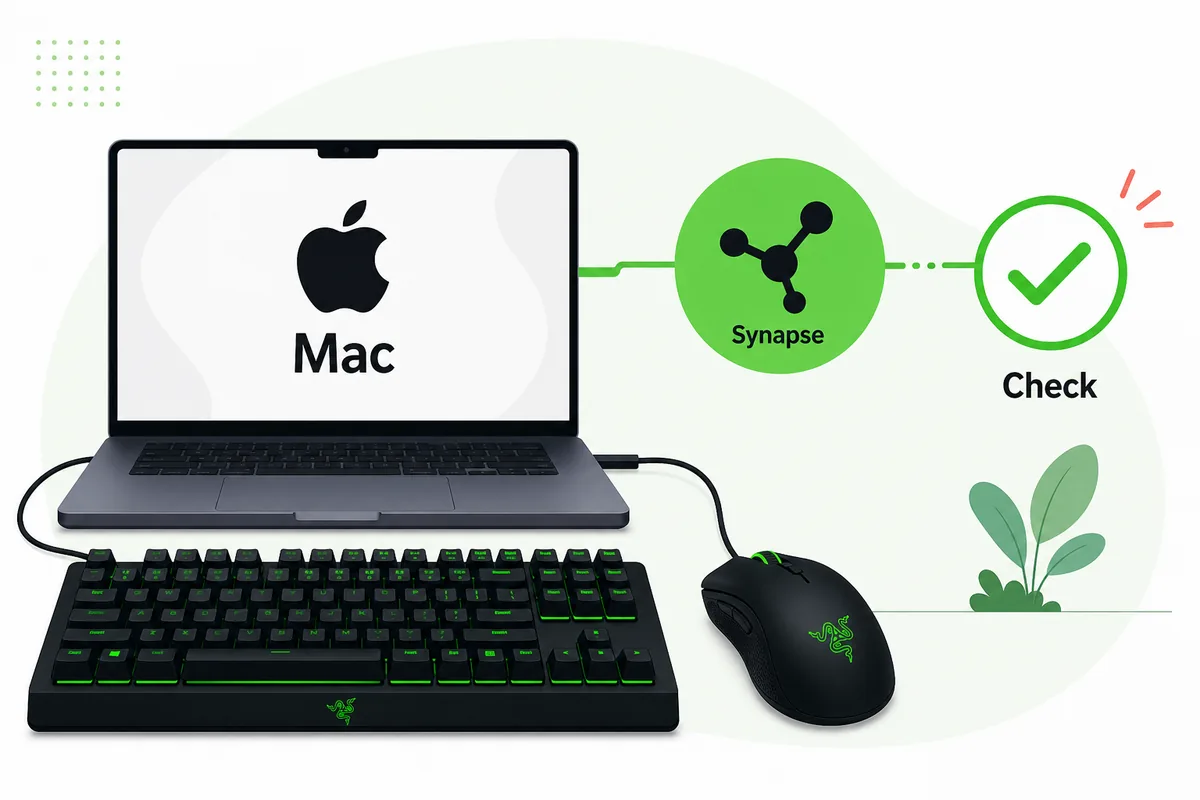
Use this guide before looking for a Razer Synapse Mac download. The Mac path is different from the Windows Synapse 4 installer, and older Synapse 3 Mac information can be easy to confuse with current preview support.
The safest answer is to start from official Razer pages, confirm your macOS and Mac model, then test whether your exact keyboard, mouse, headset, dock, or Chroma device is covered. This site does not host installers or direct EXE/PKG mirrors.
Direct answer
Should You Download Razer Synapse on Mac?
You should only use a Razer Synapse Mac download path when your Mac, macOS version, and Razer device match an official Razer Mac support page. The search phrase looks simple, but it can mean three different things: the current Synapse 4 Mac Preview, old Synapse 2 or Synapse 3 memories, or a third-party mirror promising a universal Mac installer.
For most Mac users, the first practical question is not whether Razer makes software for Mac. It is whether the exact Mac and device combination is supported today. Razer has current Mac Preview information for Synapse 4, while older support articles and forum posts may describe past products or limited legacy behavior. Treat any non-official direct package as unverified unless the final source is clearly Razer.
This page is a decision guide, not a file mirror. It helps you check platform support, avoid Windows-only installer confusion, understand why device detection can fail on macOS, and choose the safest official source before installing anything.
Question
Safer answer
Why it matters
Do you have Apple silicon and macOS 15 Sequoia or newer?
Check the official Mac Preview page first
Razer product-page requirements can be stricter than older support-article wording
Are you on an older Intel Mac?
Do not assume current preview support
Some old searches mention legacy Mac support that may not match current Synapse 4
Do you need Windows-only features?
Use the Windows Synapse 4 or Synapse 3 guide instead
A Windows installer will not solve macOS support limits
Is a mirror offering a PKG file?
Avoid it unless Razer is the final source
Synapse controls device settings, so source trust matters
Razer Synapse for Mac source check — October 18, 2026
Razer Synapse for Mac source check — October 18, 2026
Razer’s Mac product page checked October 18, 2026 still presents Synapse for Mac as a Preview for Apple silicon Macs on macOS 15 Sequoia or newer. The support FAQ updated May 8, 2026 still mentions the older macOS Ventura 13 requirement; use the current product page for install requirements and verify device compatibility separately. We found no public Mac build number, package size, checksum, or stable direct PKG URL, so this page links to Razer instead of guessing. Windows build numbers do not apply to Mac Preview.
Compatibility
5 Checks Before a Razer Synapse Mac Download
Start with the official source page. A genuine Mac download decision should tell you which Synapse branch it belongs to, what macOS version it expects, and whether the device family is covered. If a page only says "Mac compatible" without naming the branch or source, it is too vague for software that controls device profiles and lighting.
Check the Mac itself next. Current Razer Mac Preview messaging is aimed at modern macOS and Apple silicon context, while many search results still mention Intel-era Synapse history. That mismatch is why this page separates platform checks from download buttons. A MacBook, Mac mini, or iMac may run macOS well but still need device-specific support.
Then check the Razer device. A mouse can be usable as a normal HID device even if Synapse customization is limited. A keyboard, headset, dock, or Chroma accessory may require a supported module before lighting, macros, DPI stages, or profiles appear. Do not judge support from the USB connection alone.
Check
Pass condition
Action if unsure
Source
razer.com or mysupport.razer.com
Do not download from mirrors
Mac model
Matches official Mac Preview requirement
Use the official page before installing
macOS
Meets the listed macOS requirement
Update macOS only if your device and workflow allow it
Device
Listed or clearly supported by Razer guidance
Use normal macOS settings if Synapse support is absent
Profiles
Important settings are noted first
Avoid losing macros or lighting assumptions
Install steps
How to Install Razer Synapse on Mac Safely
Use one clean install path. Do not mix old Mac forum links, Windows installers, and unknown package mirrors. If the official page points to a preview, read the notes as preview notes rather than assuming every Windows Synapse 4 feature is already available on Mac.
Before installation, close other Razer utilities, disconnect devices you are not testing, and keep one known device connected directly to the Mac. Hubs, docks, and adapters can make a software problem look like a hardware problem. After installing, give macOS time to request permissions or background-item approval before deciding that Synapse failed.
If the app opens but a device does not appear, restart once, reconnect directly, and test a different cable or port. These steps are boring, but they separate connection problems from true compatibility gaps.
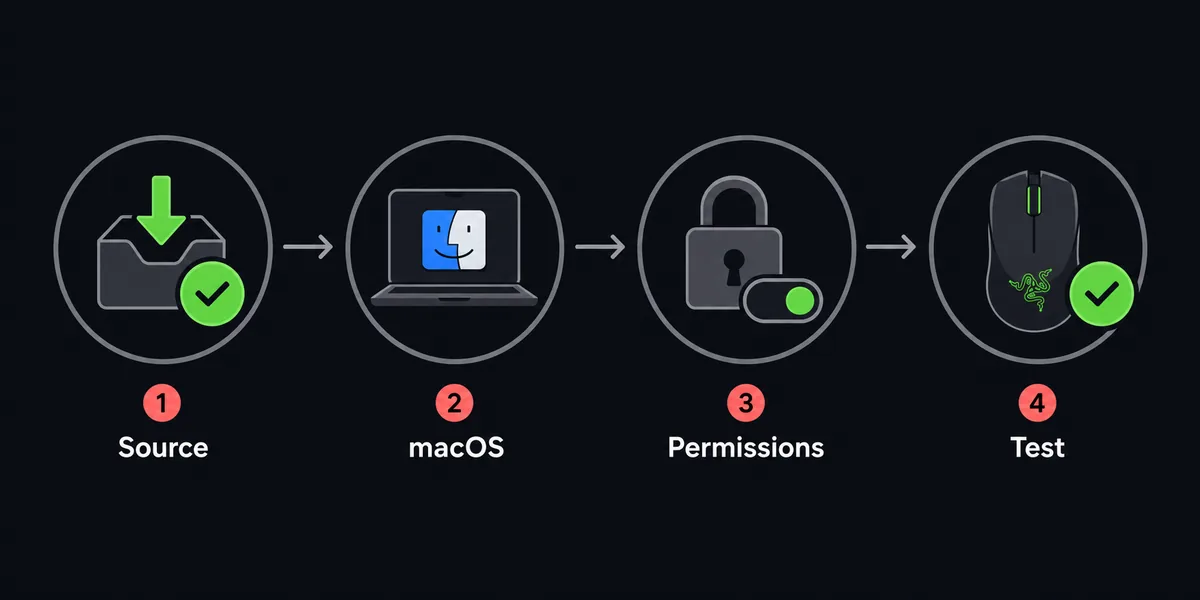
Open the official page
Start from Razer, not a reposted package.
Check Mac and macOS
Confirm the preview requirement before running anything.
Connect one test device
Use a direct cable or reliable adapter first.
Approve macOS prompts
Allow required background or device permissions when macOS asks.
Restart and retest
Only troubleshoot Synapse after basic connection is proven.
Troubleshooting
When Razer Synapse Does Not Detect a Mac Device
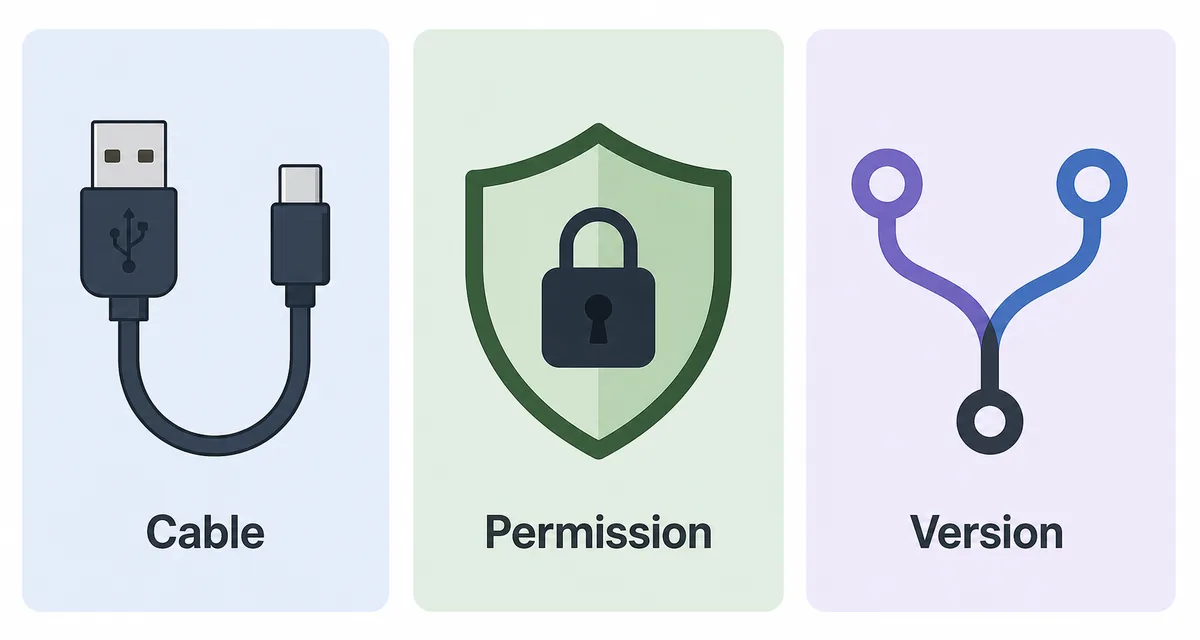
Device detection on macOS should be diagnosed in layers. First confirm the device works as a basic keyboard, mouse, headset, or accessory. If macOS cannot see the hardware at all, Synapse cannot fix the connection. Try a direct port, a different cable, and a restart before changing software sources.
Second, review macOS privacy and background permissions. Security prompts, login items, and device-access approval can affect configuration tools. The exact permission labels can change across macOS releases, so use the visible macOS settings on your machine rather than copying an old forum screenshot.
Third, check version boundary. A device may work in Windows Synapse 4 but still have limited Mac Preview support. That is not the same as a broken installer. If official Razer pages do not list your combination, the safer conclusion is limited support, not another download mirror.
Symptom
Likely layer
Next step
Device works in macOS but not Synapse
Synapse support or permission
Check official support and macOS permissions
Device does not work anywhere
Cable, port, or hardware
Test direct connection before reinstalling
Old guide says Synapse 3 for Mac
Outdated intent
Check current Razer Mac Preview source
Mirror promises universal support
Source risk
Leave and use official Razer pages
Razer Synapse for Mac source check — October 18, 2026
Razer Synapse for Mac source check — October 18, 2026
Razer’s Mac product page checked October 18, 2026 still presents Synapse for Mac as a Preview for Apple silicon Macs on macOS 15 Sequoia or newer. The support FAQ updated May 8, 2026 still mentions the older macOS Ventura 13 requirement; use the current product page for install requirements and verify device compatibility separately. We found no public Mac build number, package size, checksum, or stable direct PKG URL, so this page links to Razer instead of guessing. Windows build numbers do not apply to Mac Preview.
Official sources
Checked official sources
These official pages informed the Mac support boundary, source-safety wording, and version freshness notes for this guide.
Razer Synapse for Mac source check — October 18, 2026
Razer’s Mac product page checked October 18, 2026 still presents Synapse for Mac as a Preview for Apple silicon Macs on macOS 15 Sequoia or newer. The support FAQ updated May 8, 2026 still mentions the older macOS Ventura 13 requirement; use the current product page for install requirements and verify device compatibility separately. We found no public Mac build number, package size, checksum, or stable direct PKG URL, so this page links to Razer instead of guessing. Windows build numbers do not apply to Mac Preview.
Razer macOS support article
Official Razer support context for macOS support in Synapse; compare it with the Mac product page before installing.
Razer Synapse for Mac source check — October 18, 2026
Razer’s Mac product page checked October 18, 2026 still presents Synapse for Mac as a Preview for Apple silicon Macs on macOS 15 Sequoia or newer. The support FAQ updated May 8, 2026 still mentions the older macOS Ventura 13 requirement; use the current product page for install requirements and verify device compatibility separately. We found no public Mac build number, package size, checksum, or stable direct PKG URL, so this page links to Razer instead of guessing. Windows build numbers do not apply to Mac Preview.
FAQ
Razer Synapse Mac Download FAQ
Is there a Razer Synapse Mac download?
There is official Razer Mac Preview information, but you should verify the current macOS, Mac model, and device support on Razer pages before installing.
Can I use Razer Synapse 4 on an Intel Mac?
Do not assume it. The official Mac product page points to Apple silicon and macOS 15 Sequoia or newer, while older Intel-era references may not match current support.
Why does my Razer mouse work on Mac but not appear in Synapse?
Basic mouse input can work through macOS while Synapse customization remains limited by device support, permissions, or preview coverage.
Should I download a Razer Synapse Mac PKG from a mirror?
No. Use official Razer pages or support pages because Synapse manages device behavior, profiles, macros, and lighting.
What should I do before switching from Windows Synapse to Mac?
Write down important profiles, DPI stages, macros, and Chroma expectations, then confirm whether the Mac preview supports the device you use most.
What is the latest Razer Synapse for Mac version?
Razer’s public product and support pages checked October 18, 2026 do not expose a current Mac build number, package size, or checksum. The product page identifies a Preview for Apple silicon Macs running macOS 15 Sequoia or newer. Use that official page for the current package.