
Linux compatibility guide
Razer Synapse Linux: Compatibility, OpenRazer & Workarounds
Razer Synapse does not have a native Linux installer listed on the official Synapse 4 product page checked on October 24, 2026. Linux users can check OpenRazer for their exact device, but its controls and coverage do not match every Synapse feature.
The practical answer depends on your mouse, keyboard, headset, Linux distribution, and the one setting you need. This guide separates official support from community alternatives and gives you a low-risk way to check compatibility before installing anything.
Short answer
Does Razer Synapse work on Linux?
Razer Synapse Linux support is not listed as a native desktop option in the Razer Synapse 4 product requirements checked for this guide. Razer's current page lists Windows platforms; it does not provide a Linux installer or promise Linux driver support. Do not treat a Windows EXE running under Wine as proof that the device service, firmware tools, or profile features will work.
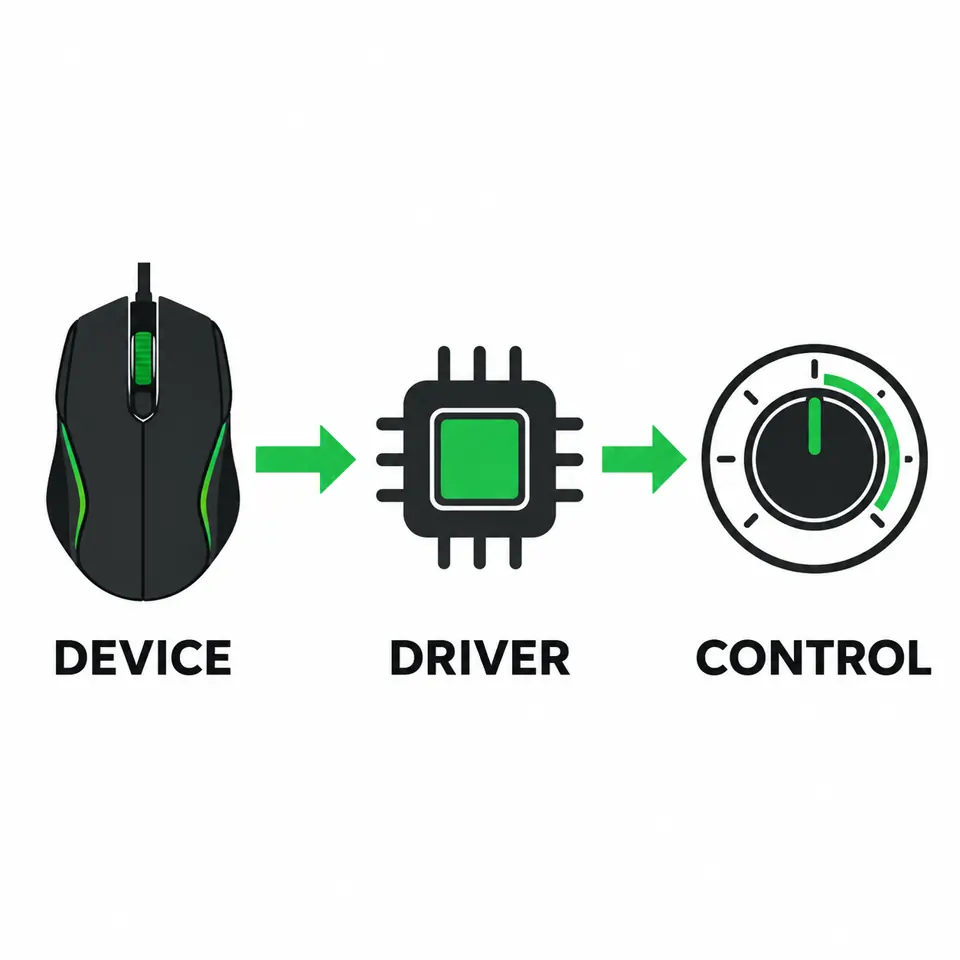
The main community alternative is OpenRazer, an open-source Linux project for supported Razer devices. It can expose controls such as lighting or device settings when the exact hardware and software stack are supported. Polychromatic is a separate graphical front end that can make some OpenRazer controls easier to manage; it is not a Razer product and does not add device support by itself.
Start by checking the product name and hardware revision against OpenRazer's current device list. If your model or required control is missing, use onboard memory where available, configure the device from a supported Windows installation, or keep a Windows dual-boot/virtual-machine path for the specific task. There is no single Linux workaround that preserves every Synapse module.
Official support boundary
What Razer's Linux support page actually says
A compatibility statement should name both the operating system and the exact function. The official Synapse 4 page is the source for Razer's listed desktop requirements. Because Linux is not among those requirements, describe native Synapse support as unlisted rather than claiming that every Razer device is unusable on Linux. Device firmware, onboard memory, open-source drivers, and web features are separate capabilities.
That distinction matters when comparing search results. A forum post showing one mouse changing its RGB on Linux does not establish that Synapse is supported, that every model works, or that macros and cloud profiles are available. Conversely, the absence of a Synapse Linux installer does not mean the device cannot function as a standard USB mouse or keyboard.
The platform check on this page was made on October 24, 2026. Release and device support can change, so open Razer's product page and OpenRazer's live compatibility list before making a purchase or changing a working setup.
Option
What is verified
Best next check
Synapse desktop on Windows
Razer lists Windows requirements on its product page
Confirm the device is supported by the Synapse version
Native Synapse on Linux
No Linux installer is listed on the checked product page
Do not download or run an unofficial repack
OpenRazer on Linux
Community driver project with a changing supported-device list
Check your exact model and desired control
Synapse Web
Separate browser-based product with its own device list
Check the exact model and browser requirements
Wine or a virtual machine
Does not guarantee Windows services or USB access
Use only for a tested, specific need
Browser-based option
Can you use Razer Synapse Web on Linux?
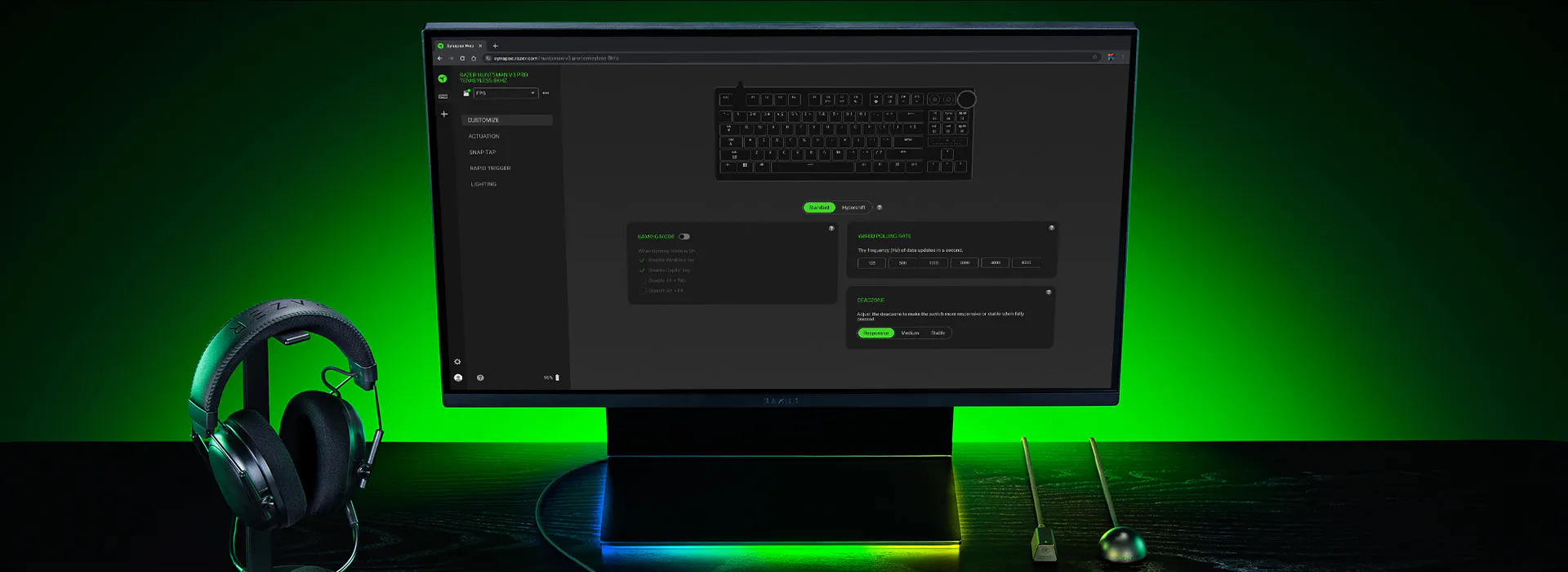
Synapse Web is a separate browser-based option, not a Linux edition of the full Synapse desktop app. Its supported devices, browser requirements, and available settings can differ from the desktop software. A successful sign-in or page load alone does not prove that your model can be configured in the browser.
If you want to try it, open the official product information, check the supported-device list for the exact model, then test only a low-risk setting first. Do not assume that macros, firmware updates, headset tuning, cloud synchronization, or every Chroma effect are available just because the page recognizes a connected device.
This is the closest official browser route worth checking before installing a community driver. If the model is not listed or the browser cannot access it, use OpenRazer's device list rather than a third-party page claiming to provide a Synapse Linux download.
Community alternative
OpenRazer and Polychromatic: what each one does
OpenRazer is a community-maintained Linux driver and user-space project for selected Razer products. It is the relevant starting point when a standard USB device works but you need additional controls such as lighting, battery information, or supported device settings. The project publishes its own supported-device information; check that list rather than relying on a generic claim that all Razer mice work.
Polychromatic is a graphical application that works with OpenRazer for supported lighting and device controls. Think of OpenRazer as the compatibility and communication layer, and Polychromatic as one possible interface. Installing the interface alone cannot add a missing kernel driver, product ID, or unsupported feature.
Neither project is Razer Synapse for Linux. Profiles, macros, firmware updates, account synchronization, headset processing, and onboard storage may not map one-to-one. The projects can change at different speeds from new Razer hardware, so a recently released model may need time before the device list or controls are updated.
Low-risk setup
How to check and set up OpenRazer on Linux
Linux hardware setup depends on the distribution, kernel, package source, and device revision. Use the upstream installation instructions for your distribution instead of copying a command from an old forum answer. This sequence helps you avoid installing a front end before confirming that the underlying driver supports the product.
Before changing packages or permissions, note your distribution release, kernel version, and the full model name printed on the device or box. If the device is important for work or gaming, keep a working input device attached and record the current settings so you can recover if a driver update changes behavior.
1. Check the exact model
Compare the product name and, when available, USB product ID with OpenRazer's supported-device list. Look for the functions you need, not only the device family: a model may support lighting but not battery reporting, macros, or every DPI control.
2. Follow your distribution's current instructions
Use OpenRazer's maintained installation guidance for your Linux distribution and kernel. Review the package source, required kernel module, signing or Secure Boot implications, and any user-group or permission steps before installing. Avoid unsigned bundles or shell scripts from unrelated download sites.
3. Add a front end only if needed
If the driver recognizes your device, install Polychromatic from the project's documented source when you want a graphical control panel. Restart or reconnect only as its instructions require, then make one reversible change and confirm it survives an application restart.
4. Keep a fallback
If the device is absent, a feature is missing, or a kernel update breaks detection, remove or disable the community component using the same distribution guidance. Use onboard memory, a supported Windows setup, or another documented path for the setting you cannot apply on Linux.
Record your system
Write down the distribution release, kernel, exact Razer model, and the specific control you need.
Verify compatibility
Check the upstream OpenRazer list for the model and feature; do not infer support from a similar product.
Read distro instructions
Confirm package source, kernel module, Secure Boot, and permissions in maintained project documentation.
Install the driver
Follow the instructions for your distribution and avoid repacked installers or unrelated scripts.
Test one setting
Use Polychromatic only if useful, change a reversible setting, then reconnect and verify the result.
Keep a fallback
Use onboard memory or a supported Windows path for features that the Linux stack does not expose.
Feature-by-feature check
Which Synapse features can OpenRazer replace?
There is no reliable one-word answer such as fully compatible. Driver projects implement features per device, and the hardware itself determines whether a setting can be stored onboard. Use the table as a checklist for what to verify, not as a promise that every row works on every product.
For a mouse, a practical test is to find the exact model, confirm the DPI control appears in the supported feature list, change one stage, and test it in a simple pointer-speed check. For RGB, start with a static color before trying a multi-zone animation. If a control is missing, do not install a random fork that claims to unlock it without clear source and maintenance information.
If a profile must survive unplugging the device, look for an explicit onboard-memory feature in both the device documentation and the OpenRazer support notes. Cloud profiles and account sync are software services; they should not be assumed to transfer to Linux.
Feature
What to verify
Safe expectation
Basic mouse or keyboard input
USB detection and normal input
Often separate from Synapse configuration; test the actual device
DPI or sensitivity
Exact model and supported controls
May be available for some devices; never assume across a product family
Chroma lighting
Zones, effects, and device-specific support
Some controls may work; full Synapse effect parity is not guaranteed
Macros and game profiles
Explicit project and device support
Do not expect Synapse profile or game-binding behavior to transfer
Firmware and cloud sync
Official platform support and onboard memory
Use documented official tools; Linux alternatives may not provide these services
If the device is missing
OpenRazer does not detect my Razer device
Start with the simplest checks: reconnect the device directly to a USB port, confirm the exact model is listed, and compare your installed OpenRazer version with the distribution's current package. Hubs, sleep/resume, kernel updates, and a missing permission step can all affect detection, but none of those checks proves that an unsupported device is compatible.
If a device worked before a kernel or package update, use the project's documented logs and recovery steps. Do not delete system files, disable security protections, or install multiple driver forks at once. Keep the change narrow enough that you can identify what fixed or broke the device.
When the model is not supported, use the device as standard USB input if that works and configure advanced settings through a verified supported platform. The site also has a Windows-focused guide for Synapse not detecting a device; it applies to Windows troubleshooting, not to Linux driver installation.
Decision guide
Choose the option that matches your goal
If you need only standard pointer or keyboard input, first test the device without extra software. If you need supported lighting or selected device controls, check OpenRazer and then add a documented front end. If you need firmware updates, Synapse macros, account sync, or a feature absent from the Linux support list, use a verified official route on a supported platform instead of trying multiple unofficial installers.
For example, an Ubuntu user who wants to adjust a mouse's DPI should check the exact product entry and its listed features, follow the project's current Ubuntu instructions, and change one stage at a time. If that model is not listed, the dependable options are to keep the default behavior, configure it on a supported Windows computer if the hardware can store settings, or use a Windows dual boot. A virtual machine is only useful when USB passthrough and the required Razer service have been tested; it is not a guaranteed substitute.
The same decision rule works for keyboards and headsets: identify the exact control, confirm project support, and keep a fallback. Do not choose a workaround solely because a download page promises a full Synapse clone for Linux.
Your goal
Best next step
Main limitation
Basic input
Connect and test as a standard USB device
Advanced settings may remain unavailable
Supported lighting or device controls
Check OpenRazer, then a compatible front end
Support is model- and feature-specific
Synapse-only feature
Use the official supported platform
Requires access to that platform and supported hardware
Persistent profile
Verify onboard memory before changing profiles
Not every device stores every setting
First-party and upstream references
Check the source before installing
Razer defines official Synapse platform requirements. OpenRazer and Polychromatic publish their own support and installation boundaries.
Razer Synapse 4
Official product page and listed desktop platform requirements; checked October 24, 2026.
OpenRazer project
Upstream project home and current device-support information.
OpenRazer source repository
Project code, release notes, and links to maintained installation guidance.
Polychromatic
The separate graphical front end's official project and installation notes.
FAQ
Razer Synapse Linux FAQ
Is there an official Razer Synapse download for Linux?
The Razer Synapse 4 product page checked on October 24, 2026 lists Windows platforms and does not list a native Linux installer. Check Razer's current requirements before relying on this time-sensitive platform information.
Does Razer Synapse 4 work on Ubuntu?
Razer's checked Synapse 4 requirements do not list Ubuntu or Linux. OpenRazer may support selected Razer devices on Linux, but that is a separate community project and its device and feature coverage varies.
Can OpenRazer replace Razer Synapse?
Not completely. OpenRazer supports selected device controls, while Synapse profiles, macros, firmware tools, cloud sync, and other modules may not have equivalents. Check the exact device and feature in the upstream list.
Can I install Synapse on Linux with Wine?
Launching a Windows installer under Wine does not provide the Windows driver services or guarantee USB device control. Use it only for a specific tested need; do not treat it as official Linux support.
Will Razer Chroma and DPI settings work on Linux?
Some OpenRazer-supported devices expose selected lighting or performance controls. Support is device-specific; check the live feature list and test a reversible setting before depending on it.
Will a Razer profile stay saved when I switch back to Linux?
Only if the device and configuration path support onboard memory for that setting. Verify this in the device documentation; cloud profiles and Synapse account sync should not be assumed to transfer.